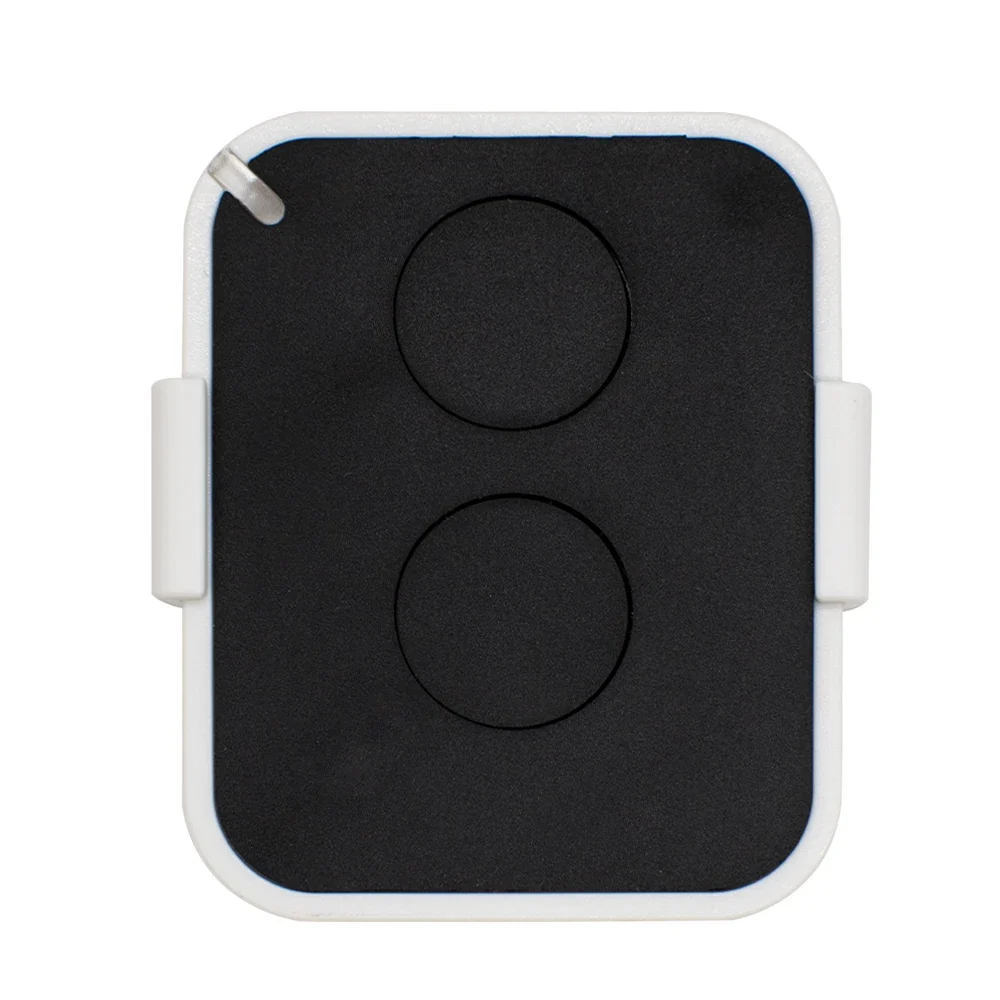
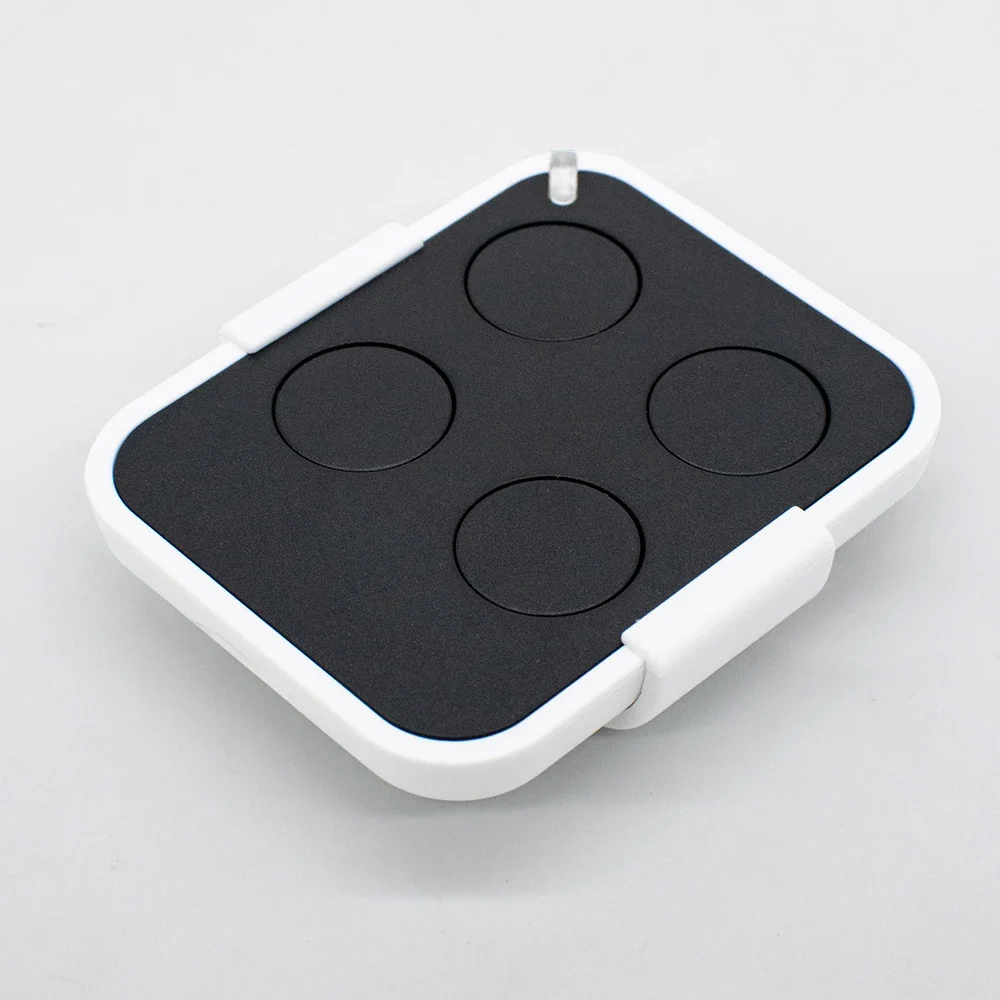
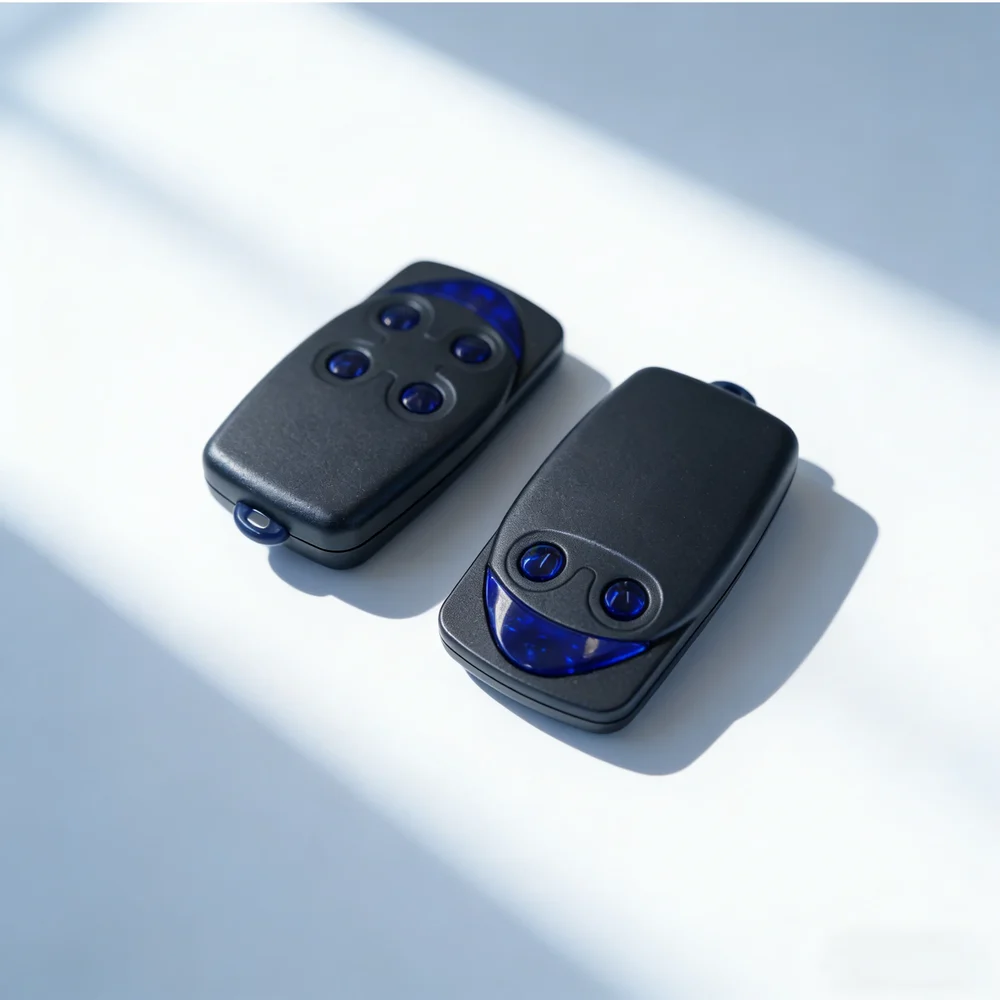
Thinking of programming a Nice remote without taking the motor housing apart? If a remote already works on your gate, it can be done in under a minute: the new one is saved by “listening” to the old one. Here's the exact method, the steps not to miss, and what to do if your receiver doesn't respond.
Can I program a Nice remote with another remote?
Yes, on rolling-code Nice remotes (Flor-S, Era One, Inti…). Near the motor, press the new one for at least 5 seconds, then the old one 3 times slowly, then the new one once. The old one must be working: it's the one that “opens the door” to the receiver.
What if I no longer have a remote that works?
You need to use the receiver button, inside the motor housing: hold it down until its light comes on, then, within 10 seconds, press the new remote for 6 to 8 seconds. Three flashes confirm it has been saved.
Why doesn't my Nice FLO2 remote program like this?
The FLO2, without the “R”, uses a fixed code: it is set with small switches, which must be placed exactly like those on the old one. A FLO2 and a FLO2R-S are not interchangeable: check the model number on the back before you buy.
Before you start: three checks
A minute of preparation avoids most failures. Before you program your Nice remote, check these three points:
The model number is written on the back of the remote or under the battery. If you're not sure, our “Find my remote” tool shows you which model you have in 30 seconds.
Programming a Nice remote with another remote, step by step
This is the method described by Nice in the manual of every rolling-code Nice remote. The three steps follow on without a pause: read them through once before you start.
Why does it work? On a rolling-code Nice remote, the code changes with every press: it can't be copied. The old remote, which the receiver already knows, acts as a “sponsor”: for a few seconds, the receiver accepts the new code it has just heard. That's also why you need to stay within its range.
Programming a Nice remote without the old one: the receiver
None of your remotes work any more? In that case, programming your Nice remote is done on the receiver, the small radio board plugged into the motor housing (OXI, OX2, OXIBD…). Switch off the power before opening the cover if you need to unscrew anything, then switch it back on to program.
This method saves all the buttons in one go (mode 1). To keep one button for pedestrian opening, Nice provides a mode 2: you briefly press the receiver button as many times as the number of the function you want, then press the chosen button.
Fixed code or rolling code: the FLO2 / FLO2R-S trap
For a Nice remote, one letter changes everything. The FLO2 and FLO4 remotes use a fixed code: they are programmed with a strip of 10 small switches, set in the same positions as those on the old remote or the receiver. The FLO2R-S and FLO4R-S use a rolling code: no switches, and the “with another remote” method above.
Both families use the same frequency, 433.92 MHz, but they don't speak the same language: a FLO2 will never control a receiver designed for the FLO2R-S, and vice versa. All our Nice remote pages show the type of code; the compatibility table brings them all together on a single page.